Update 17 world and navigation additions
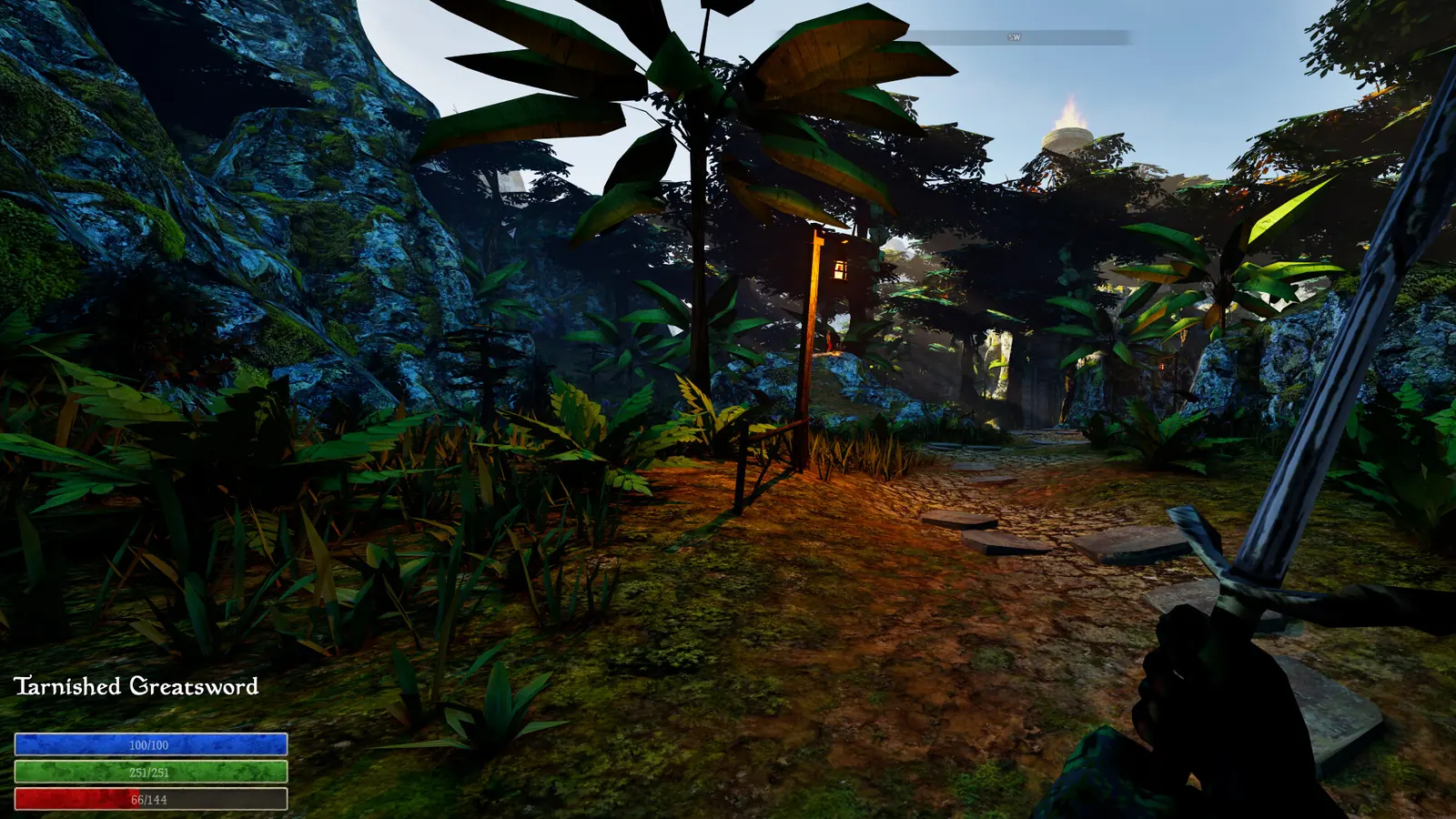
Two additional dungeons were added in the yellow fungal area. Underwater kelp forests and coral were added too, but ingredients for those underwater areas were explicitly planned for a later patch. The same note says players are no longer naturally buoyant.
Missing fast-travel points and several collision/grounding cases received fixes. The note does not provide dungeon coordinates, complete underwater routes or loot tables. Its incomplete reference to two high-level additions near Magdal’s Rest is not specific enough to name a creature or location here.
Changed in Update 17
This page was compared with the official Update 17 announcement on September 25, 2026. The changes above are developer-reported; details requiring in-game testing remain explicitly unresolved.
Current map behavior
- Update 7 improved POIs and quest-area guidance.
- Hotfix 9 and Hotfix 10 document optional POI fast travel under Accessibility.
- Mouse waypoint behavior received a follow-up adjustment.
- Some POIs are progression-sensitive and are not available immediately on a fresh save.
Use the map as a navigation layer
A marker supports orientation; it does not prove an objective, NPC or reward is currently available. Record save age and current quest state before treating a missing marker as a bug.
Evidence boundary
Exact values, requirements and edge cases stay marked as unverified until they can be checked in the current build.
What the map can tell you
Update 7 added more points of interest and changed quests so they can mark an area on the map in a TES3-style format. That gives a search zone rather than an exact objective pin, so the journal wording still matters when you enter the marked area.
Treat a POI as a navigation reference, not proof that every quest item, NPC, entrance or elevation is marked there. A named area can narrow the search without solving the route inside it.
Original guide diagram
Navigation evidence
Read Area Guidance Without Inventing a Pin
- Journal clueBegin with the newest objective wording.
- Broad areaUse the marked area to bound the search.
- Visible terrainOrient with nearby POIs and landmarks.
- State changeRead the journal again after progress.
POIs after Update 11
Update 7 added more POIs and TES3-style broad quest-area guidance. Hotfixes 9 and 10 then documented Fast Travel to Points of Interest as an Accessibility option.
Update 11 says certain POIs are no longer available at game start. A POI that exists in the current map system therefore must not be treated as immediately available on a fresh save; the official note does not name which POIs are gated, so this guide does not invent that list.
What the POI accessibility option establishes
Hotfixes 9 and 10 refer to a Fast Travel to Points of Interest accessibility option. That wording places fast travel in settings; it does not establish a journal reward, quest-state unlock or discovery rule.
The official notes do not define which POIs the option covers, what makes a destination eligible or how a disabled setting behaves. Check the option available in the current build and keep those unanswered implementation details unclaimed.
Current mouse waypoint behavior
Hotfix 9 says double left click no longer creates custom waypoints and that custom waypoint placement uses only right click on mouse. That note describes manual waypoint input, not POI activation or quest-area discovery.
The official note does not define equivalent controller input, so this page does not infer one from the mouse behavior.
Read quest areas with the journal
Start with the exact journal clue, identify the broad area it describes, then use visible terrain and nearby POIs to keep your search bounded. This preserves the exploration-led design while avoiding aimless island-wide searching.
A later quest update can change the relevant search area. Recheck the newest journal entry instead of following an older marker or a route written for a different patch.