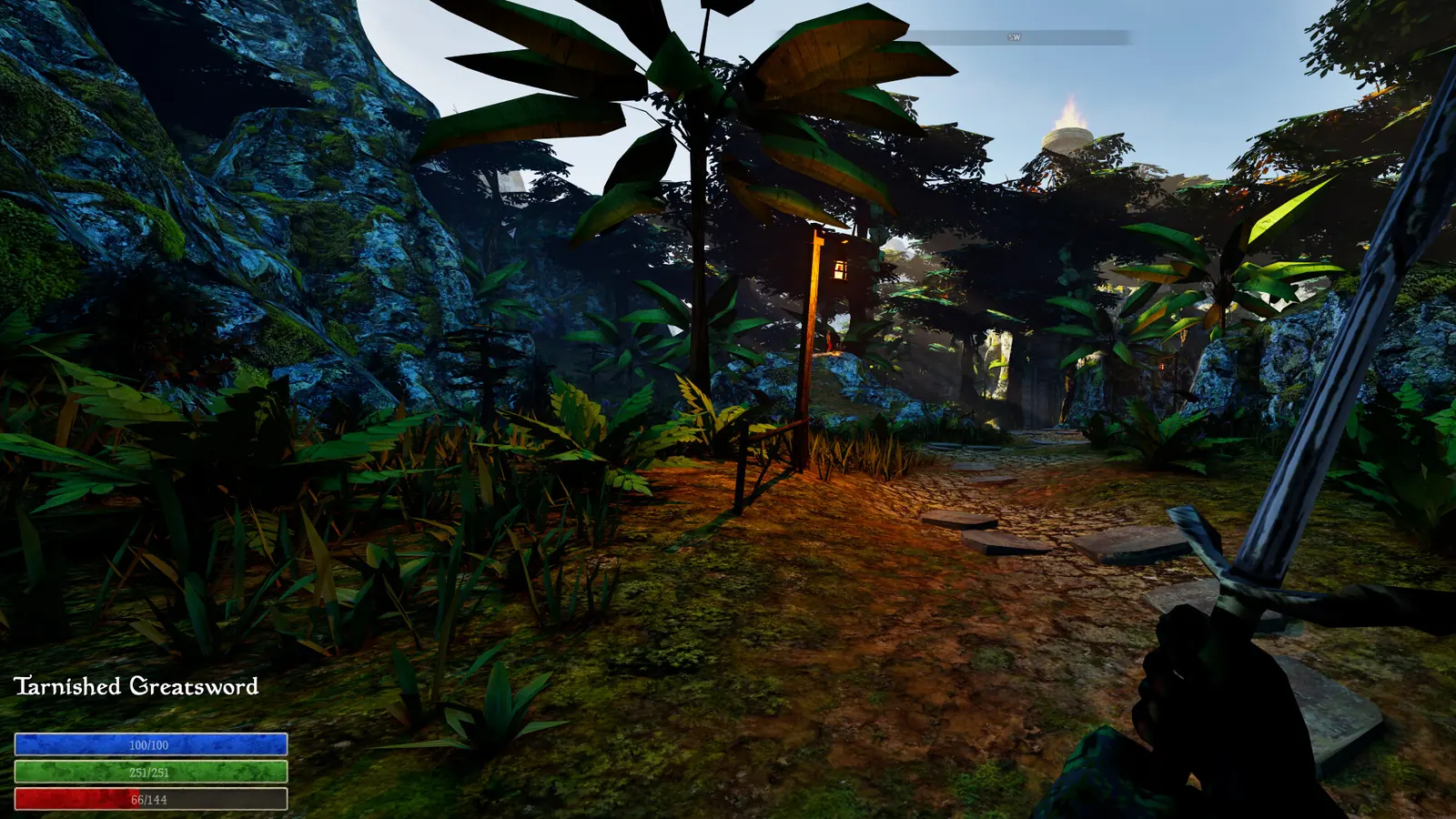
Update 17: narrower performance changes
Update 17 reduces some particles on magical weapons and lists improved online stability. These are specific developer-reported changes, not a general FPS guarantee or proof that low-VRAM texture loss is solved.
Changed in Update 17
This page was compared with the official Update 17 announcement on September 25, 2026. The changes above are developer-reported; details requiring in-game testing remain explicitly unresolved.
Official performance status
| Issue | Current evidence |
|---|---|
| Lower-end performance | Improved in Update 8; no universal FPS guarantee |
| Low-VRAM texture loss | Protection added; high settings can still exceed constrained memory |
| Hotfix regression | Addressed by Hotfix 10 |
| Update 16 | Save, UI and multiplayer fixes; no blanket performance claim |
Reproducible troubleshooting order
- Confirm the current Steam build and restart after patching.
- Use the same scene and save when comparing settings.
- Reduce texture settings first when the symptom is texture loss on low VRAM.
- Record GPU, VRAM, resolution, preset and host/guest role before reporting.
Evidence boundary
Exact values, requirements and edge cases stay marked as unverified until they can be checked in the current build.
Establish the current baseline
Confirm Steam has finished updating the game through Update 16 and install the current stable graphics driver for the active GPU. Restart the game after the update so an older session is not being compared with the new files.
Historically, Hotfix 10 fixed the performance regression introduced by the previous hotfix and added further camera improvements. Treat that specific temporary regression as fixed in Hotfix 10, not as a permanent Update 11 issue.
Write down the symptom, where it appears and whether it begins immediately or after extended play. A repeatable comparison is more useful than changing several settings at once.
Original guide diagram
Troubleshooting path
Isolate a Performance Symptom
- BaselineConfirm Update 16 first.
- ShadowsTest the official shadow-related option for low FPS.
- Texture / VRAMReduce settings if the documented symptom applies.
- GPU and reportRecord the active GPU, settings and repeatable scene.
Test the official shadow option for low FPS
Update 8 reports improved performance on lower-end systems. Update 7 also added an option to disable shadows and described it as a significant performance improvement; test that setting when frame rate is the main problem, then compare the same area under the same conditions.
The announcement does not promise a specific frame-rate gain for any GPU. Keep the conclusion tied to your hardware and test scene rather than publishing a universal FPS number.
Put texture and VRAM symptoms in patch context
Update 6 says NerveLabs attempted a fix for texture-streaming problems on GPUs with 4 GB or 6 GB of VRAM. Hotfix 5 later listed a VRAM leak and texture fix together with performance improvements.
Update 8 says low-VRAM GPUs should be better protected from texture loss, while explicitly warning that texture loss may still be an issue at higher graphics settings. That is continued protection work, not proof that every texture symptom is gone.
Update 11 display and handheld context
Update 11 corrects inventory-menu scaling across all resolutions. That is a UI scaling fix, not an official claim that rendering performance or frame rate improved.
The same note says ROG Ally inherits Steam Deck settings. This can help establish the intended preset context on that handheld, but it is not a Steam Deck Verified rating or a universal handheld-performance guarantee.
Check which GPU is active
Hotfix 4 records an attempted fix for integrated-GPU selection. On a multi-GPU PC, verify which adapter is actually running the game before treating low performance as a settings failure.
Use the operating system or GPU vendor's current application settings to select the intended adapter. Menu names differ by driver version, so no fixed click path is presented as universal here.
Report a reproducible performance problem
- Game state: Update 16.
- Hardware: GPU model, VRAM amount, processor and memory.
- Symptom: low frame rate, crash, texture loading problem or wrong-GPU use.
- Test: exact area, duration and the one setting changed.
- Result: whether restarting or disabling shadows changed the same scene.